VROCA Toolkit
Aid for Visual Reinforcement Operant Conditioning Audiometry
VROCA(視覺增強操作制約)的施測輔助工具
iPad · iPadOS 17+ · landscape · 中文 / English
Requires the free TestFlight app · limited beta spots
iPad · iPadOS 17 以上 · 橫向 · 中文 / English
需先安裝免費的 TestFlight App · 名額有限
One big button
一顆大按鈕
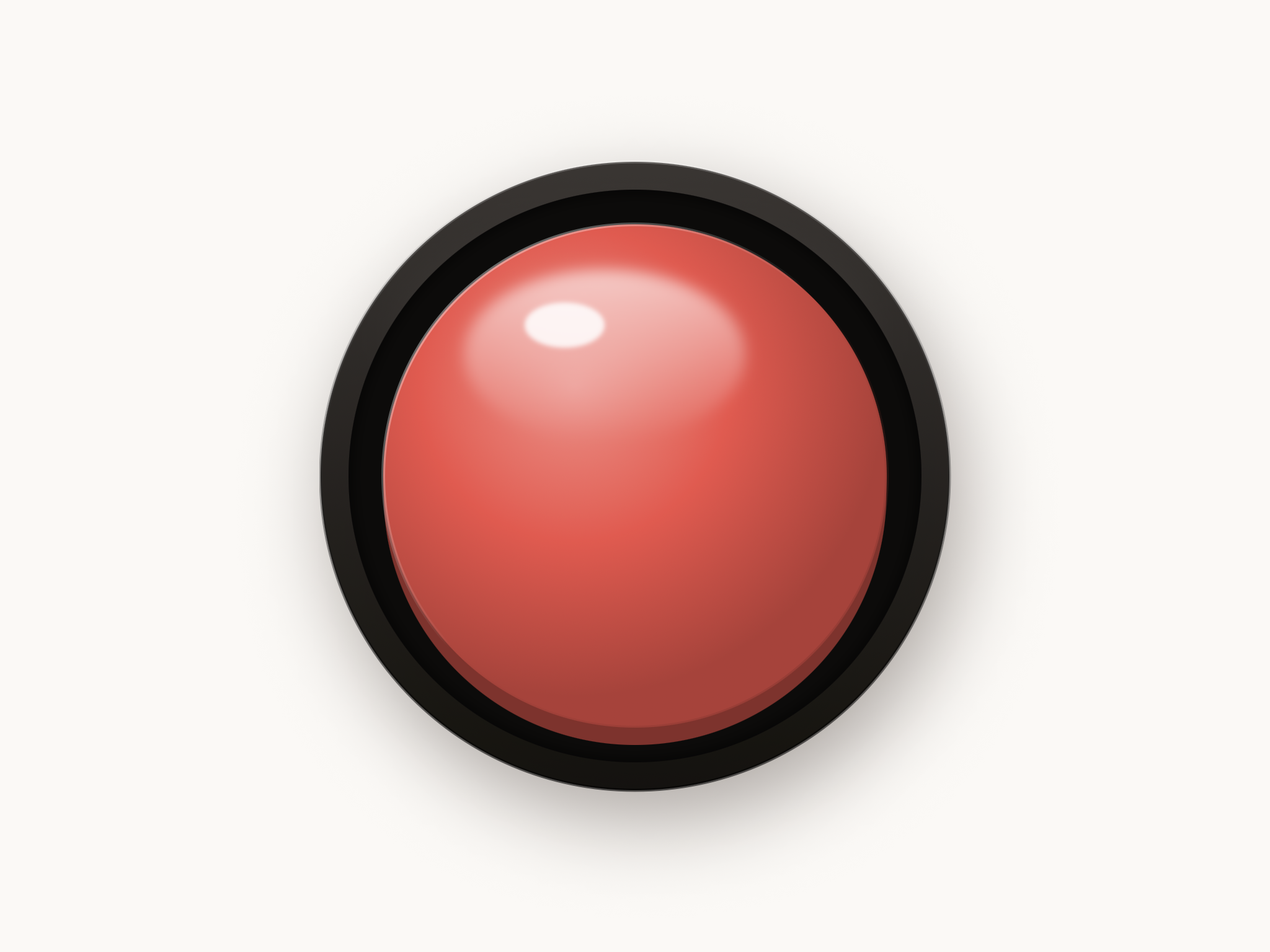
Each test screen is a single large response button for the subject — satisfying to press, with haptics and a mechanical-switch click.
每個施測畫面就是一顆給受試者按的大按鈕——按起來紮實、帶震動與機械開關「喀噠」聲。
What it helps with
它能補強什麼
Readiness assessment
能力確認
Simulate the formal task outside the booth and see whether the conditioned discriminative response can be established.
在診間外模擬正式測驗環節,確認是否能建立制約的辨別反應。
Expanded reinforcers
擴充增強物
Upload your own videos instead of the booth's fixed VRA toys; pair a Bluetooth controller to deliver them during formal testing.
用自訂影片取代檢查室固定的 VRA 玩具;搭配藍牙控制器,正式施測時也能呈現。
Built-in reinforcers
內建增強物






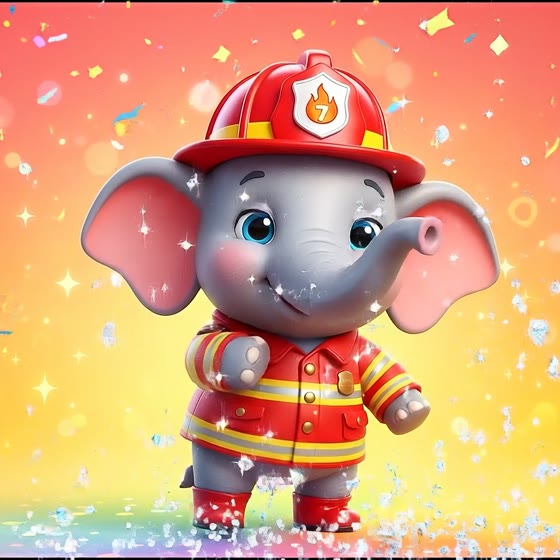
A built-in library of animated reinforcers — or upload your own videos.
內建一組動態增強物——也可以上傳你自己的影片。
Three modes
三種模式
Mode 1 · Conditioning· 制約
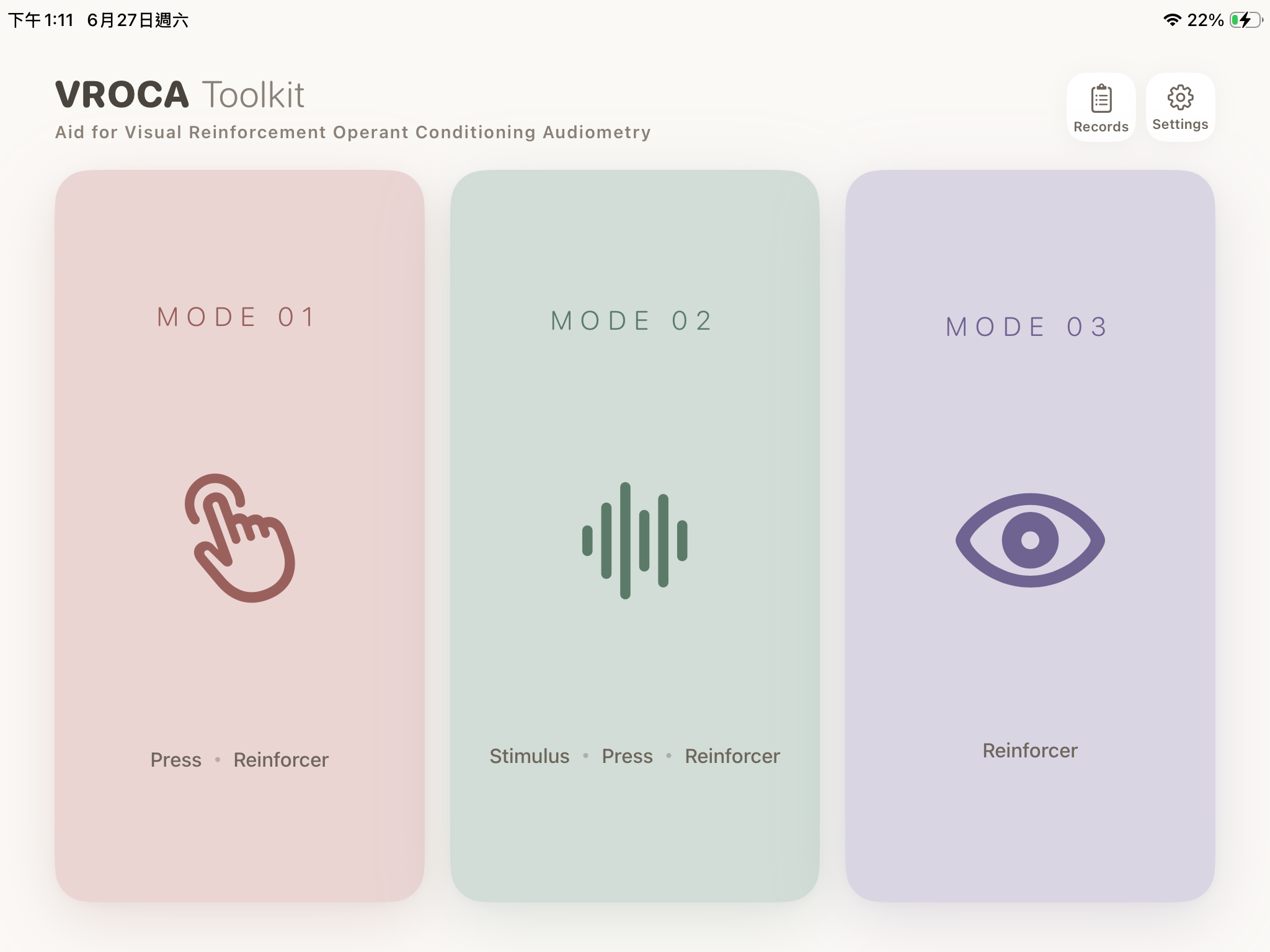
Press → reinforcer. Build the response–outcome link.
按壓 → 增強物,建立反應與結果的連結。
Mode 2 · Discrimination· 辨別
Sound → press → reinforcer. Bluetooth-manual or auto-random.
聲音 → 按壓 → 增強物。藍牙手動或系統自動隨機。
Mode 3 · Visual reinforcement· 視覺增強
Trigger the reinforcer via Bluetooth — replaces VRA toys.
以藍牙觸發增強物,取代 VRA 玩具。
More
其他特色
- Inputs: on-screen button (subject), game controller / clicker / Bluetooth keyboard (clinician).
- Records: hit rate, reaction time, per-trial results, CSV export; optional catch trials for d′.
- Guided Access friendly. All data stays on device — no account, no network.
- 輸入:螢幕大按鈕(受試者)、遊戲控制器/簡報筆/藍牙鍵盤(工作者)。
- 紀錄:命中率、反應時間、逐試驗結果、CSV 匯出;可選靜默試驗計算 d′。
- 引導式存取友善。資料僅存本機——無帳號、不連網。